🪟 Popup & 🍞 Toast
Provides utility APIs for displaying notifications after command execution and confirmation dialogs to users.
🪟 Popups (Interactive Dialogs)
Use for important warnings or final confirmations before destructive operations.
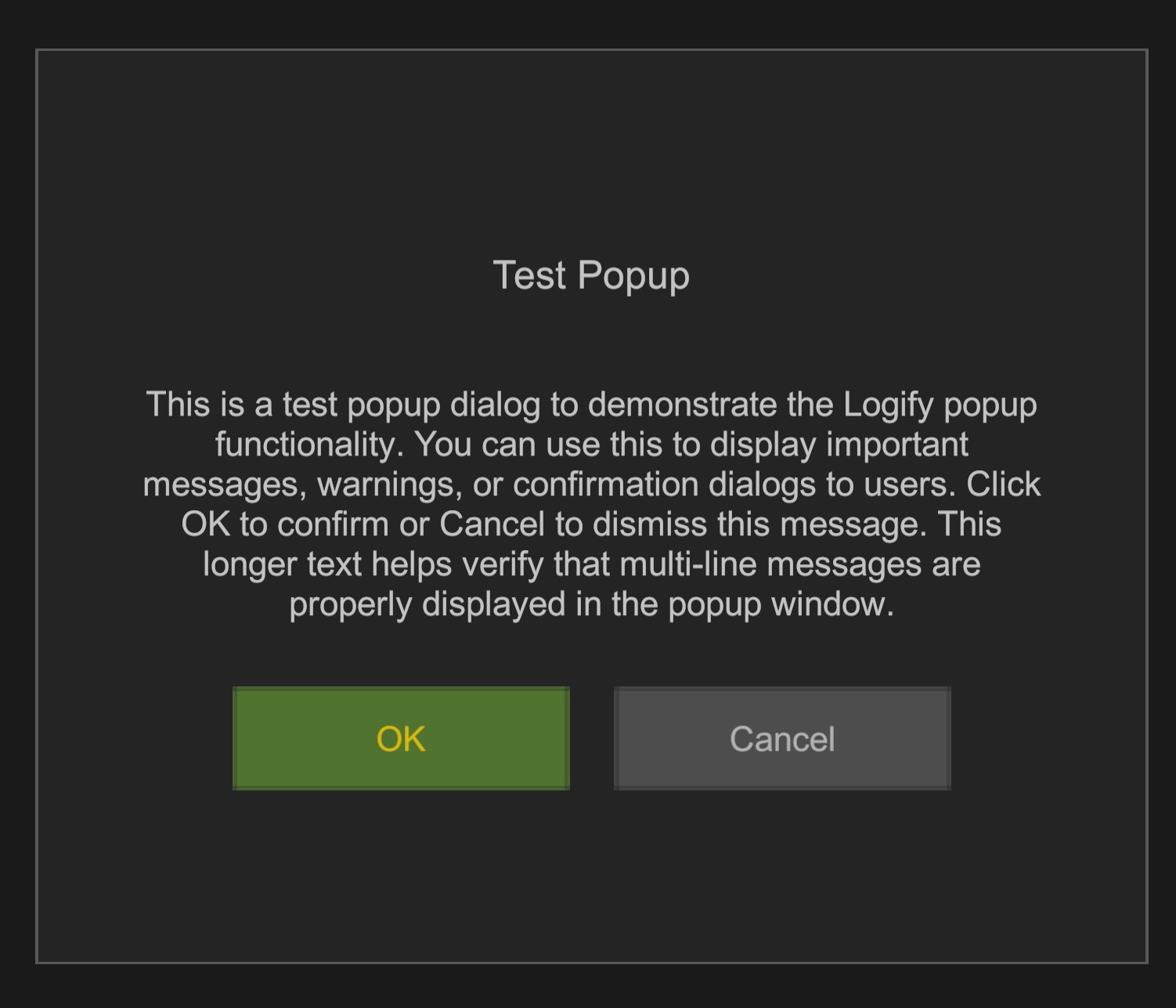
Implementation Example
Build LogifyPopupSetting and call with Logi.OpenPopup().
[LogiButton("Danger Zone", "Delete Data")]
void ShowConfirm()
{
    Logi.OpenPopup(new LogifyPopupSetting
    {
        Title = "Confirmation",
        Message = "Delete all save data?",
        ConfirmButton = new LogifyPopupButtonSetting
        {
            Text = "Delete",
            OnClick = () => DoDelete()
        },
        CancelButton = new LogifyPopupButtonSetting
        {
            Text = "Cancel"
        }
    });
}
🍞 Toasts (Temporary Notifications)
Display operation success or errors briefly without blocking user input.

Implementation Example
Call by specifying message and notification type (Information / Warning / Error).
[LogiButton("API Test")]
void TestToast()
{
    // Simple notification
    Logi.OpenToast("Data synchronization completed.", LogifyToastType.Information);
}