📨 Email Integration
Sends feedback using PHP's mail() function.
Email sending frequently experiences "successfully sent but arrives nowhere (or goes to spam)" depending on server configuration and domain reputation. Carefully test following these steps.
📋 Required Environment/Preparation
- PHP Server Setup must be completed
- Server Send Permission: Your rental server or VPS must allow email sending from PHP (sendmail, etc.)
- SSL Environment: Not required but recommended from security and reliability perspectives
🛠️ Setup Procedure
Step 1: Test with Minimal Configuration
First, test by setting only the receiving address (to) without changing the from address automatically generated by setup.php.
- Set
email > enabledinconfig.phptotrue. - Enter your email address in
to. - Leave
fromas the automatically entered domain (e.g.,noreply@example.com).
Step 2: Custom Domain Configuration (If Not Receiving)
If Step 1 doesn't work, change the from address to an actual (or recommended) format matching the server's domain.
// ...
'email' => [
    'enabled' => true,
    'to'      => 'your-name@gmail.com', // Recipient
    'from'    => 'noreply@example.com', // Match to server domain
],
// ...
Do not directly specify Gmail or Yahoo Mail addresses in from.
Sender domain and actual server won't match, causing DMARC/SPF authentication failure and almost certain blocking. Always use "domain hosted by server".
🔍 Troubleshooting (If Not Receiving)
If emails don't arrive, consider these factors:
- Check Spam Folder: Without SPF record configured, high probability of spam classification.
- Check Server Logs:
If PHP-side send error occurs, error details are recorded in
data/debug_???.log. - Gmail Whitelist, etc.: Try setting email reception permission as "safe email" from specific domains.
- PHP
mail()Restrictions: Some inexpensive rental servers prohibitmail()function usage as spam countermeasure.
🧪 Testing
Once setup is complete, test whether feedback is actually received.
- Run app following Testing Procedure.
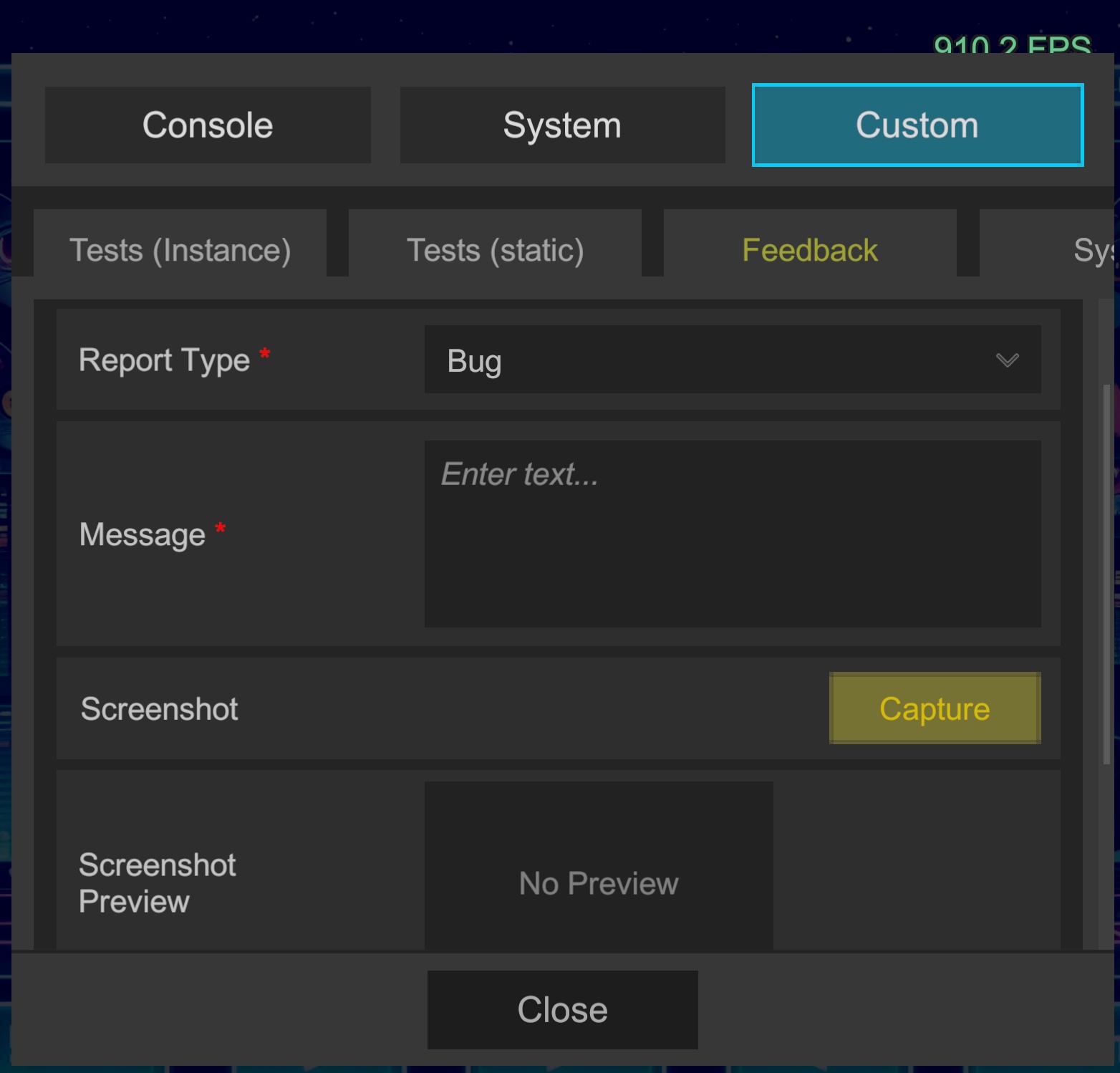
- Open in-game Custom > Feedback tab, enter message, and submit.
- Check the configured
tomailbox.
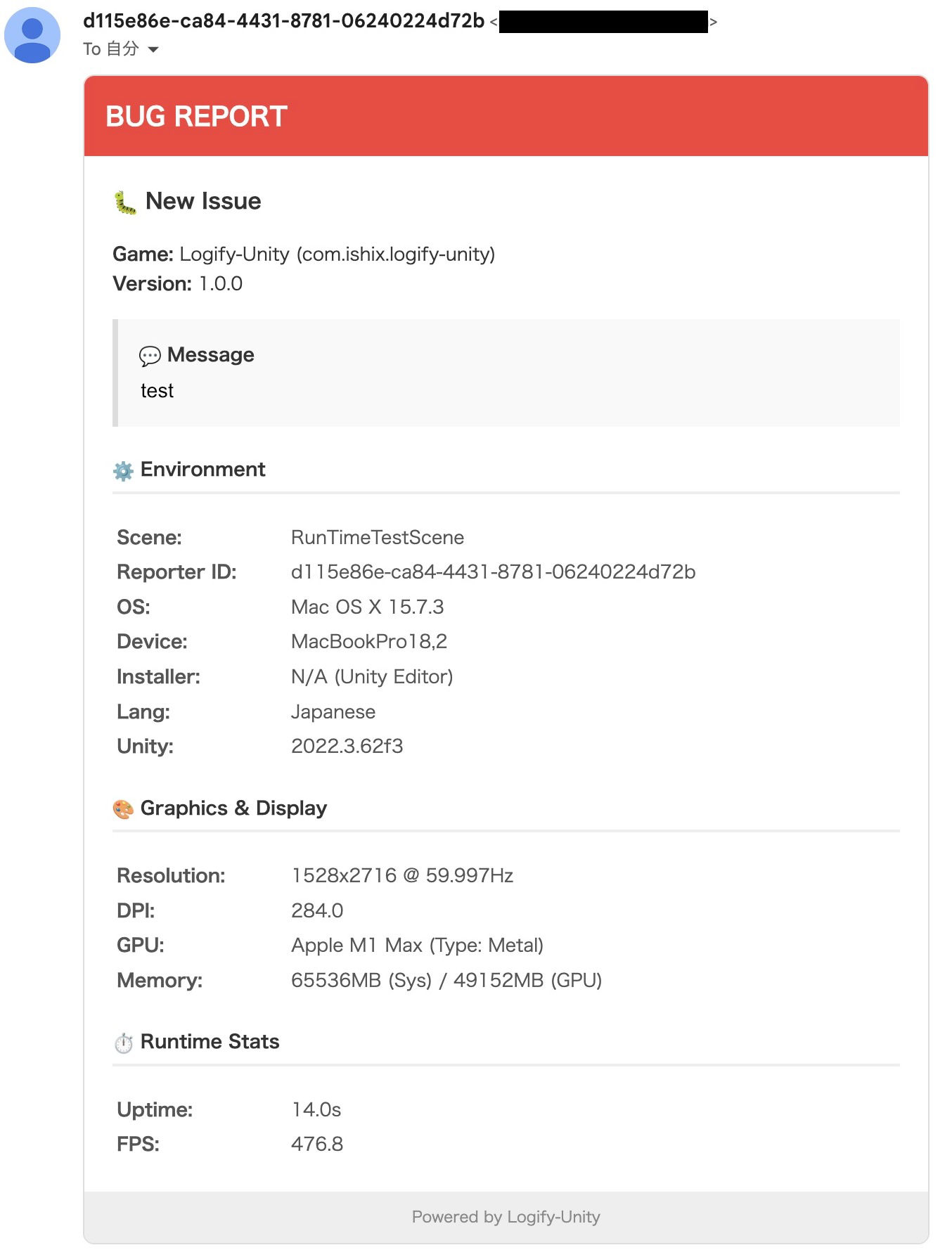
📬 Reception Example